Most advice on how to build a high converting landing page is a list of elements to include. A list does not tell you which element is failing on your page. Each part of a landing page answers one doubt a visitor has before they hand over an email address, and low signups mean one of those doubts goes unanswered.
This walkthrough builds one page from top to bottom. The example offer is a free five-day email course called “Write Your First Affiliate Review,” for beginners who have a site but have not published a review yet. The example is illustrative, so swap in your own offer as you go.
Start with one offer and one action
A page with two offers asks the visitor to make a decision before they have any reason to care. Someone who sees a free course, a newsletter, and a link to your best articles has to pick, and many will pick nothing.
Before writing anything, put the page’s purpose in one sentence. For the example: “This page gets beginner affiliate bloggers to enter their email address so they receive day one of the review course.” The sentence names the visitor, the action, and what they get in return.

Every element you add afterward has to pass one test: does it help that visitor take that action? A paragraph about your wider business, a link to an unrelated post, or a second button for a different offer all fail the test. They belong on other pages.
Write a headline that matches the ad or link that brought the visitor
The visitor’s first question is whether they are in the right place. They arrived by clicking something, whether an ad, a social post, an email, or a link in an article, and that click carried a promise. If the headline says something different, they have to work out whether the page is what they clicked for, and many will just leave.
Match the headline to the wording of the source. If the link said “Free 5-day course on writing your first affiliate review,” a headline like “Write Your First Affiliate Review in Five Days, Free” confirms the click was right. A headline like “Unlock Your Online Income Potential” does not, because it describes nothing the visitor was offered.
A few rules keep the headline useful:
- State the outcome the visitor gets, in the words they would use themselves.
- Use the same key phrase as the ad or link, so the match is obvious at a glance.
- Leave out cleverness. A headline that needs a second read is a headline that loses visitors.
If you send traffic from several sources with different promises, give each source its own headline, or its own page. One generic headline will match none of them well.
Use the first screen to answer: what is this, who is it for, what do I do next
Whatever shows before the visitor scrolls has to answer three questions. What is this? Who is it for? What do I do next? A visitor who cannot answer all three within a few seconds has no reason to keep reading.
For the example page, the first screen holds four things:
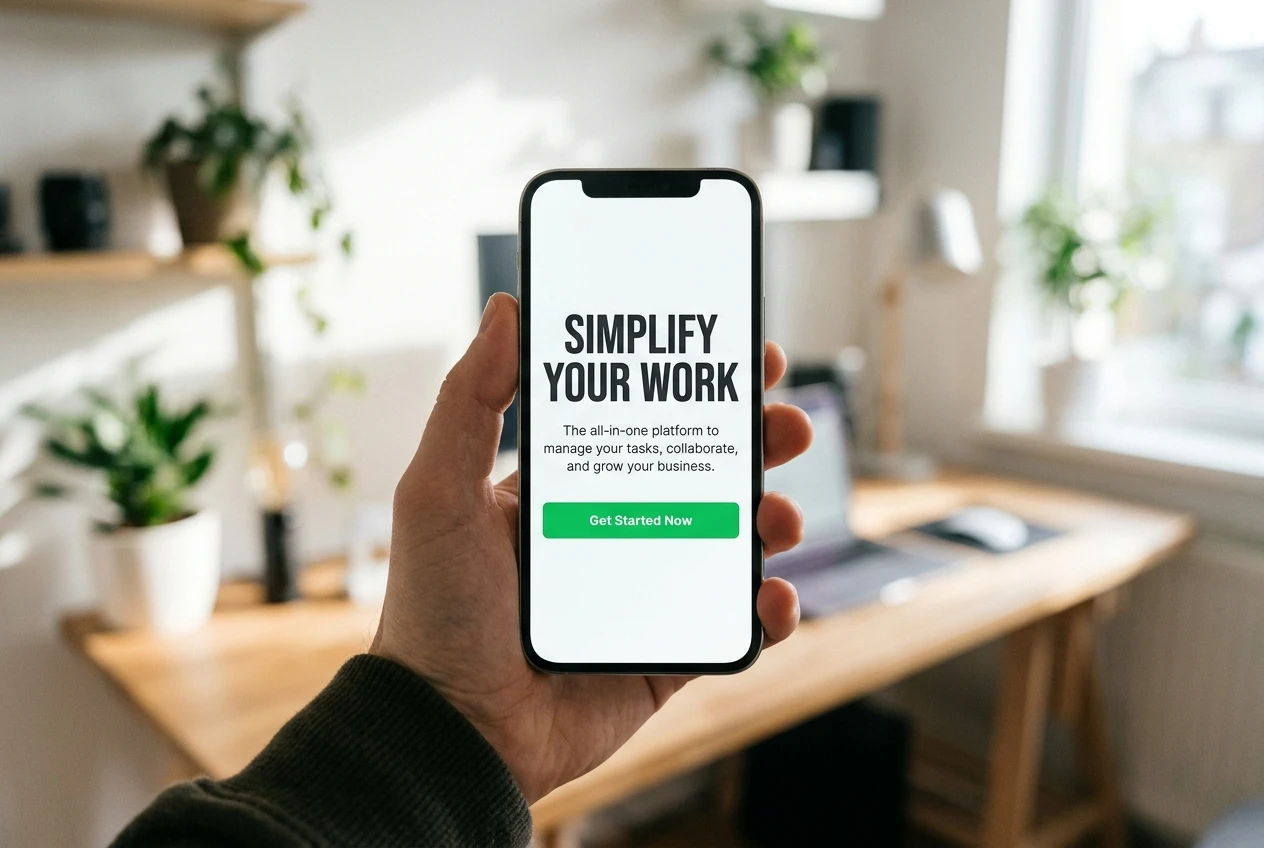
- Headline: “Write Your First Affiliate Review in Five Days, Free.” This says what it is.
- Subheadline: “A short email course for beginners who have a website but have not published a review yet. One lesson a day, each readable in a few minutes.” This says who it is for and what to expect.
- The form or button: visible without scrolling, with the label “Send me day one” rather than “Submit.” This says what to do next, and what happens when they do it.
- One supporting image, such as a preview of a lesson, only if it loads fast and adds information.
Screens differ, so what counts as the first screen on your laptop is not the first screen on a phone. Open the page on a phone and check that the headline, the subheadline, and the button are all visible without a scroll. If the button sits below the fold on mobile, add a button or a short form higher up.
Show proof that fits the doubt, not just a wall of testimonials
Visitors hold different doubts, and a block of generic praise answers none of them in particular. Work out which doubt your offer raises, then choose proof that addresses it.
The visitor wonders Proof that answers it Will this work for someone like me? A specific result from a person in the same situation, with their name and context Is this worth my time? The lesson list, a sample lesson, and how long each lesson takes Who is behind this? One honest line about who you are and why you are qualified to teach it What will you do with my email? How often you will write and how to unsubscribe
If you have no testimonials yet, do not invent them and do not pad the page with vague claims. For the example course, the strongest available proof is the content itself: list the five lessons by title, show an excerpt from day one, and state the time each takes. A visitor can judge real material for themselves, and that is often more convincing than praise.
Proof that sounds unverifiable lowers trust instead of building it. A named person with a stated result is believable, and an anonymous “Life-changing!” is not. If you are an unknown name in your niche, the post on how to build trust on social media when nobody knows who you are covers how to earn credibility before a visitor reaches the page.
Cut the form down to what you will actually use
Every field in a form is a small cost to the visitor, and the cost is only worth paying if you use the answer. Ask for each field: what will I do with this?
For the example course, an email address is all the delivery needs. A first name is worth adding only if your emails will use it. A phone number, company name, or website address would need a reason the visitor can see, and a free email course does not provide one. If you add a field you never use, you lose some signups for no return.
Three details around the form matter as much as the field count:
- Button label: name the result (“Send me day one”) instead of the action of filling in a form (“Submit”).
- A line under the button: state what happens next and how often, such as “One short email a day for five days. Unsubscribe any time.”
- Field labels: keep them visible and plain, so nobody has to guess what goes where.
If you later want more information from subscribers, ask for it inside the emails, after they have received something of value.
Remove the exits: navigation, side links and competing buttons
Each link on a page gives the visitor a way to leave it. A site menu, a footer full of links, a sidebar of recent posts, and social icons all pull attention away from the one action you want, and none of them helps the visitor decide to sign up.

Build the page on a template without the site’s regular header menu and sidebar, or hide those elements for this page only. Most page builders and WordPress themes have a full-width or blank template for this purpose. Keep only what the visitor needs, such as a link to your privacy policy in the footer.
Competing buttons cause the same problem inside the page itself. A “Read the blog” button next to “Send me day one” splits the visitor’s decision in two. If the page is long enough to need the signup button more than once, repeat the same button with the same label, so every click on the page leads to the same action.
Check mobile layout and load speed before you send any traffic
Many visitors will arrive on a phone, and a page that works on your desktop can fail there in ways you cannot see from your desk. Open the live page on a real phone, not only in a desktop browser’s preview, and go through it as a visitor would.
Check these on the phone:
- The headline reads without zooming, and no text overlaps or runs off the screen.
- The button is large enough to tap and sits where a thumb can reach it.
- The email field brings up the email keyboard, with the @ symbol easy to find.
- The form still works when the on-screen keyboard covers half the page.
Then check speed, because a slow page loses visitors before they have read a word. Run the page through a free tool such as Google PageSpeed Insights, and try it on mobile data as well as on your home wifi. The usual causes of a slow landing page are easy to fix:

- Images saved at a far larger size than the page displays. Resize and compress them.
- Extra scripts, widgets, and tracking tools the page does not need. Remove them.
- Autoplay video or a heavy background image. Replace it with a small image or a plain background.
- Pop-ups layered over a page that already has a form. Take them out.
Fix these before you spend money or effort on traffic. Sending visitors to a page that loads slowly wastes the traffic you worked to get.
Test one change at a time and know what a result means
Once traffic arrives, your conversion rate is the number of signups divided by the number of visitors. If 100 people visit and 8 sign up, the rate is 8 percent. That figure is your baseline, and every change you make is measured against it.
Change one element at a time. If you rewrite the headline, shorten the form, and swap the image in the same week, a change in signups cannot be traced to any of them. Change the headline, let it run, record the result, and then move on to the next element.
Small numbers mislead. With 50 visitors, the difference between 3 signups and 5 is within what chance alone produces, so it tells you almost nothing. Wait until each version has had a meaningful number of visitors before you decide which one won, and keep a simple log with the date, the change, the visitor count, and the signup count.
Where visitors drop off tells you which element to test first:
- They leave almost immediately: the headline does not match the source, the page loads slowly, or the first screen does not answer the three questions. Test the headline first.
- They scroll but do not sign up: the offer or the proof is not answering their doubt. Test the proof, or how the offer is described.
- They start the form but do not finish it: the form asks for too much, or the button promises too little. Test the fields and the button label.
When a change raises the rate, keep it and move to the next element. When it lowers the rate, go back to the earlier version and try a different change.
Take the Digital Marketing Free Starter Course to learn how to bring the right traffic to the landing page you just built.